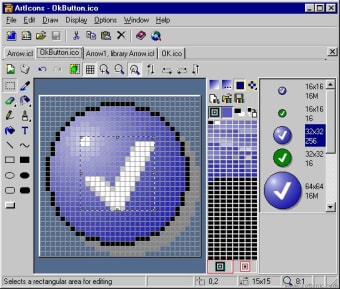
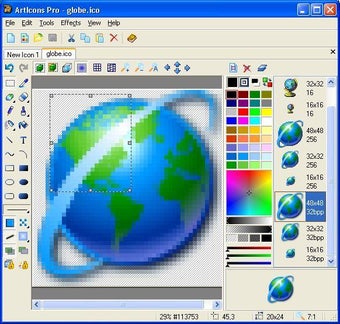
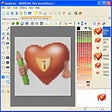
Well why not make your own? ArtIcons allows you to create your own as well as make sure that Vista icvons are compatible with Windows XP. The program looks a little like MS Paint but don't let this fool you - this is a very powerful program with lots of cool icon editing features. For a start, it now supports the highest resolution icons possible which means those up to 256 x 256 in dimension, making them suitable for high-DPI displays. This take about 400Kb of disk space, which is more than the standard 25Kb of an XP icon but because the program uses PNG compression, this isn't a problem. Hey presto, you've got high definition XP icon images without the huge file sizes. You can make XP look remarkably like XP from an icon perspective and yet still retain normal use of your favourite operating system. Probably the best feature of this program though is that it makes distinguishing your icons and folders so much easier. There's no need to worry about labelling them correctly - just use the design instead.
A super program for anyone that wants to spice up their desktop or just wants to give XP a bit of a Vista look.
ArtIcons is an advanced icon-specific utility for Windows. The application allows professional and amateur graphic artists alike to create and edit icon images and manage icon files and libraries. ArtIcons boasts a huge range of features that can help you improve your designs.
Features of the program:
Create and edit icons in either standard or custom sizes, in color depths up to 16 million colors
Create and edit icons for Windows XP in 32-bit color depth with 8-bit alpha channel
Create and store images containing several layers
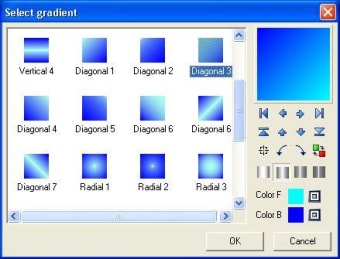
Paint images with gradient and chess fill
Modify images with drop shadow, opacity, smooth, negative, grayscale, colorize, hue/saturation, rotate, roll and mirror effects
Replace image colors
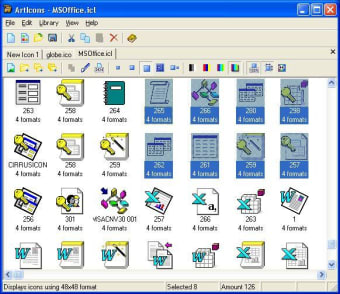
Create and manage icon libraries for better and more efficient icon storage
Paste images in various graphic formats directly into icons
Export icon images to ICO, ICPR, BMP, JPEG and PNG files
Extract icons from Windows executables, libraries and animated cursor files
Extract icons from all files in selected folders and subfolders and save them as out icon libraries
Convert Mac icons to Windows format
Modify icons inside executables and other program files
Sort images inside icons and icons inside libraries
Laws concerning the use of this software vary from country to country. We do not encourage or condone the use of this program if it is in violation of these laws. Softonic may receive a referral fee if you click or buy any of the products featured here.